
Appearance
Proxy / Reverse Proxy
A proxy is a middle server that sits between you and the internet. You send your request to the proxy, and it passes it along to the website. A reverse proxy is similar, but it sits in front of a server and handles requests coming from users before passing them to the real server.
How it works
With a proxy, the user connects first to the proxy, then the proxy talks to the website. This can hide the user’s identity or add filtering. With a reverse proxy, users think they are talking to the main server, but in fact, they are talking to the reverse proxy. The reverse proxy decides which backend server should handle the request, balances load, or adds security.
Analogy
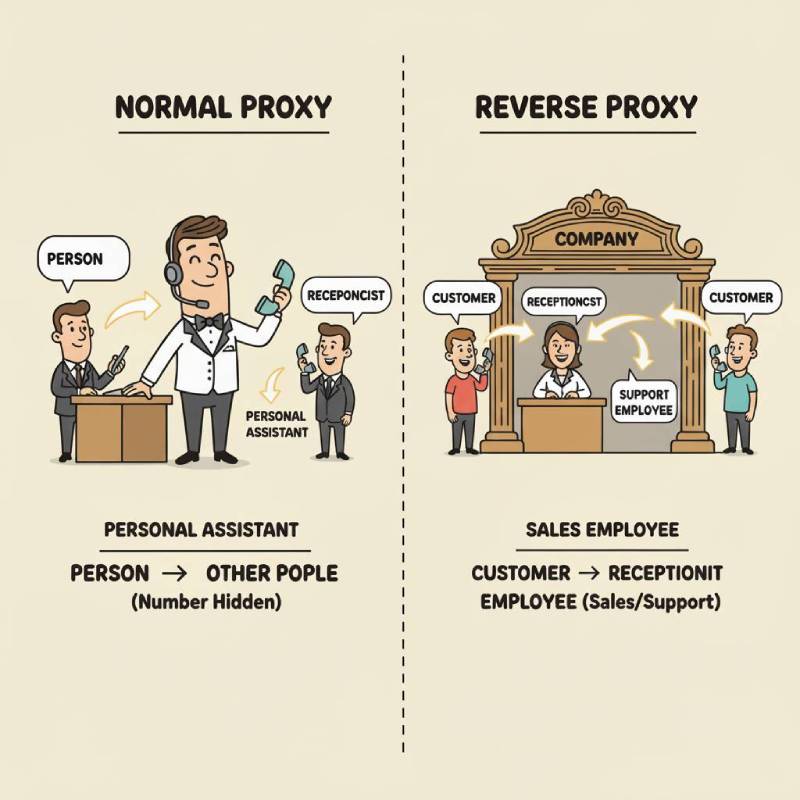 A normal proxy is like a personal assistant who makes phone calls for you. People don’t see your number, they only see the assistant’s number. A reverse proxy is like a company’s receptionist. Customers call the company, but the receptionist answers first. Then she decides which employee should handle the call.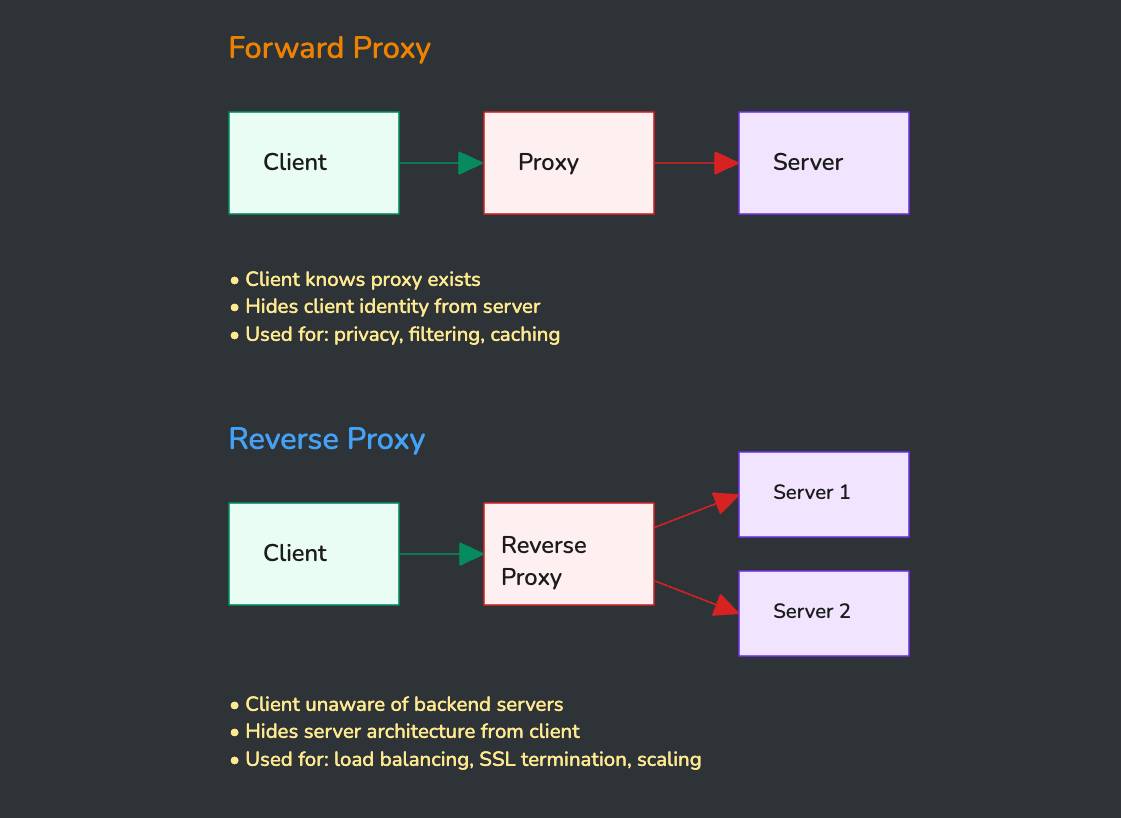
| Aspect | Forward Proxy | Reverse Proxy |
|---|---|---|
| Direction | Client → Proxy → Server | Client → Proxy → Backends |
| Visibility | Client configures proxy | Transparent to client |
| Purpose | Acts for client | Acts for server |
| Hiding | Hides client from server | Hides servers from client |
| Common Uses | Privacy, content filtering | Load balancing, caching, SSL termination, security |
| Configuration | Client-side setup | Server-side deployment |