Appearance
Useful Dev Tools
Below are some great tools every developer should know about. Each section includes a brief description and a placeholder for a screenshot.
yazi
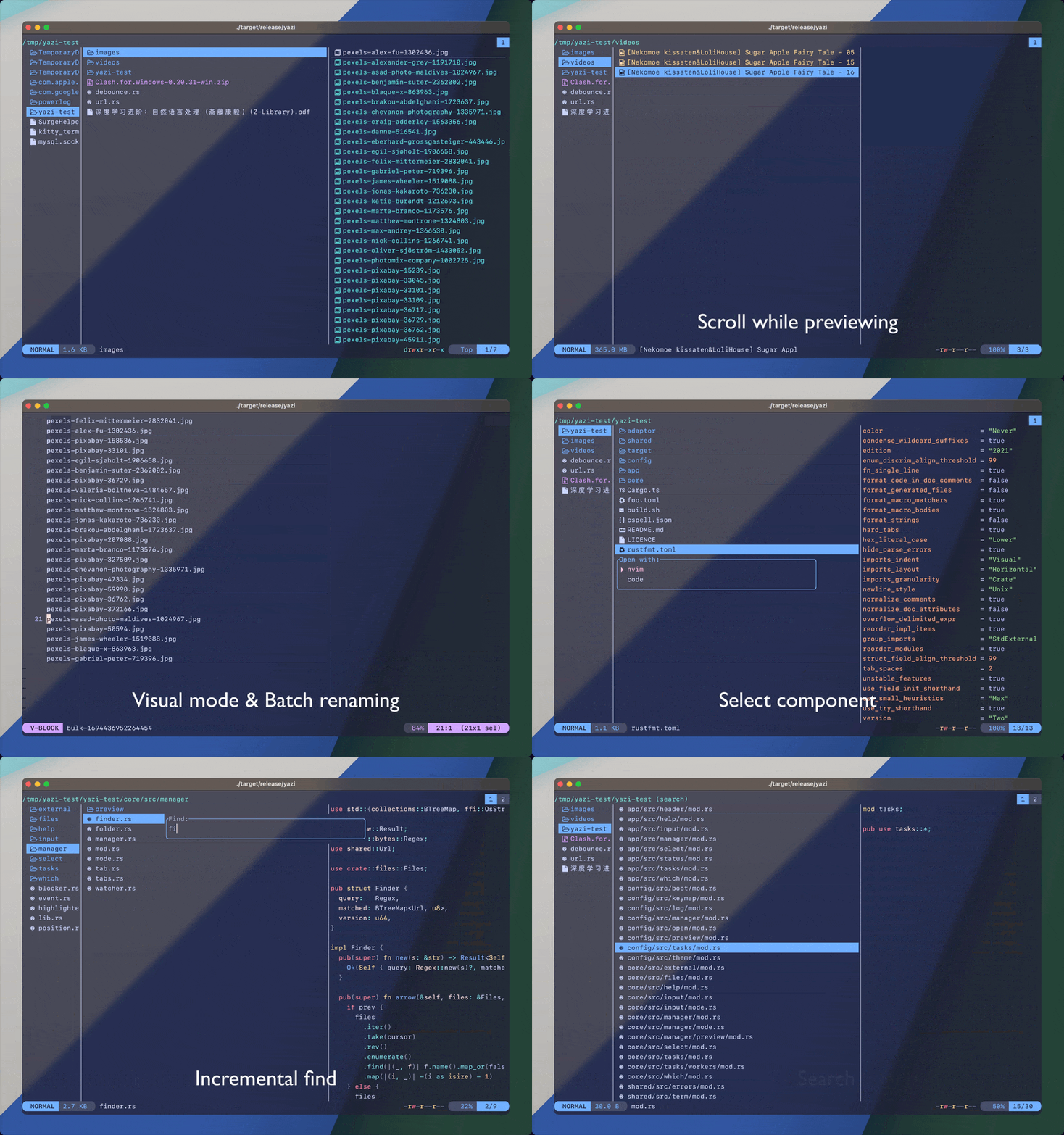
Yazi is a lightning-fast terminal file manager built in Rust. It combines speed with powerful previews for images, code, and media right in your terminal. With plugins, themes, and smooth navigation, Yazi makes managing files in the terminal a joy
ghostty
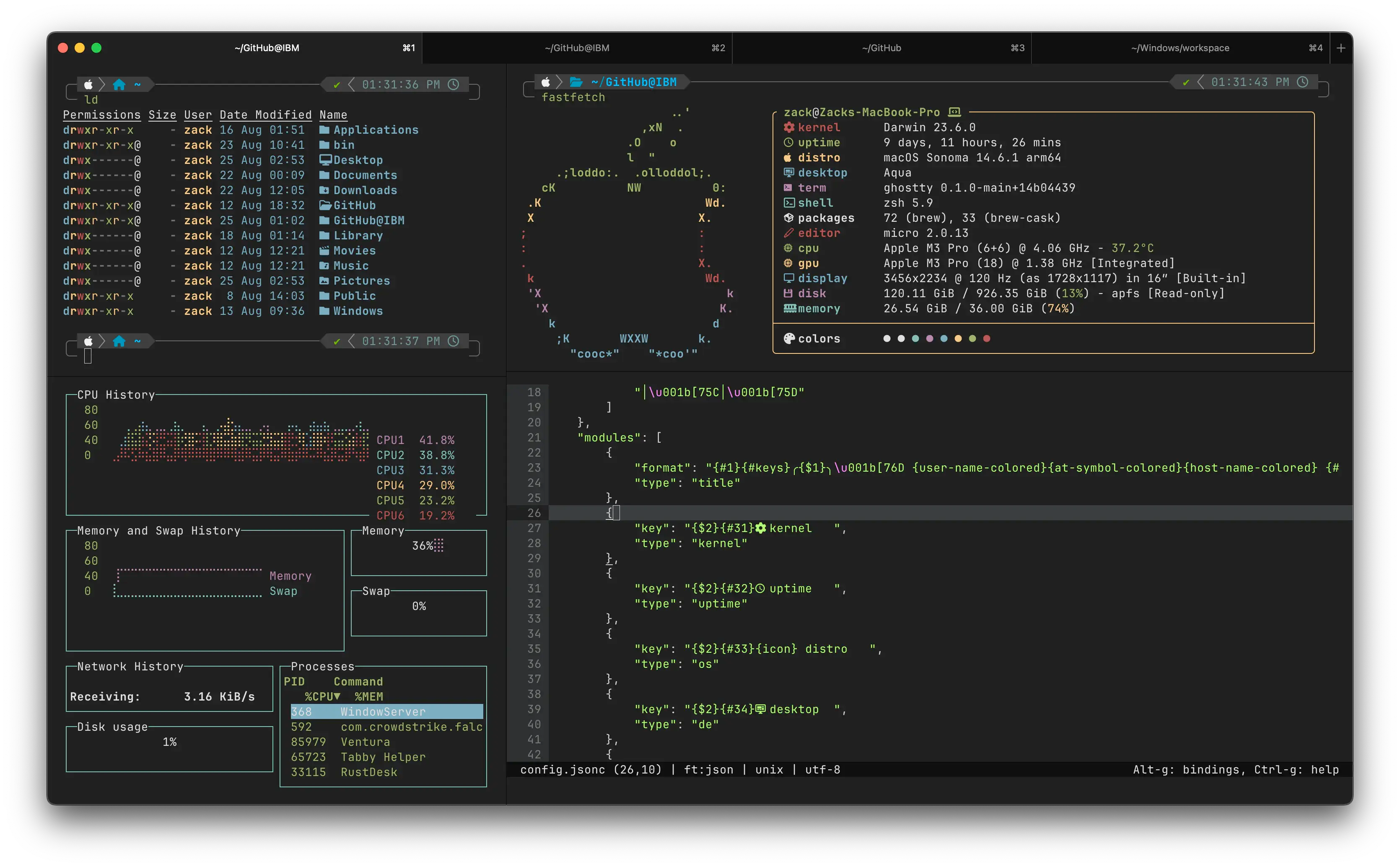
Ghostty is a sleek, GPU-accelerated terminal emulator with a native look on every platform. It supports tabs, splits, ligatures, and even Kitty graphics for rich visuals. Designed for speed and polish, Ghostty delivers a modern terminal experience without compromises
mise
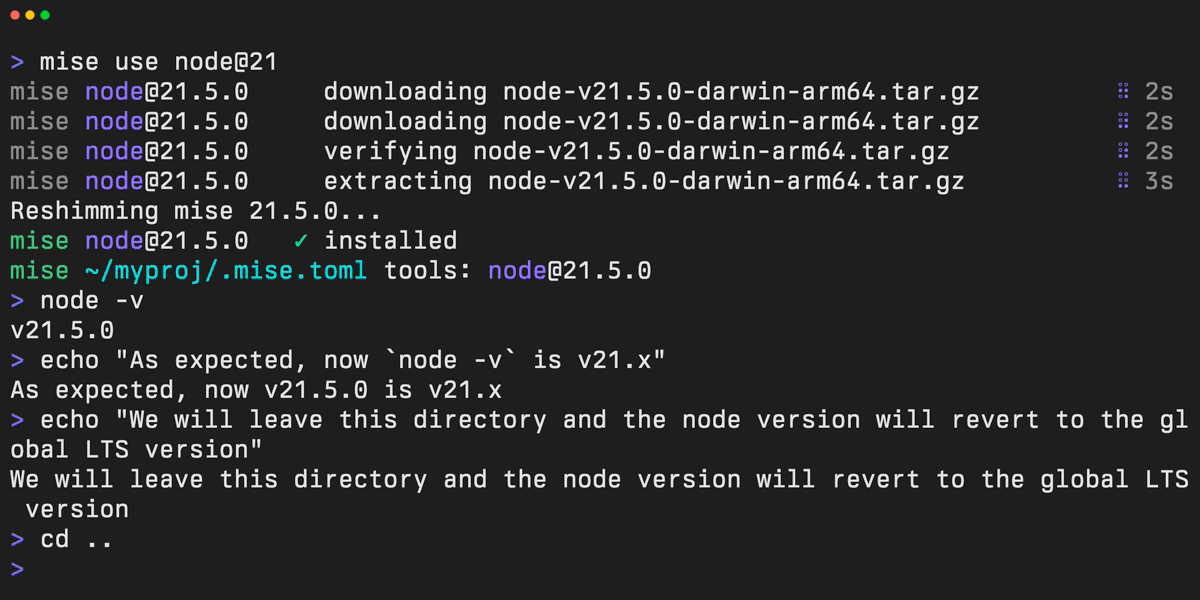
Mise is your all-in-one tool manager, task runner, and environment switcher. It replaces tools like nvm, pyenv, and direnv while keeping projects consistent. Lightweight and flexible, Mise simplifies development workflows into one easy-to-use command
tldraw
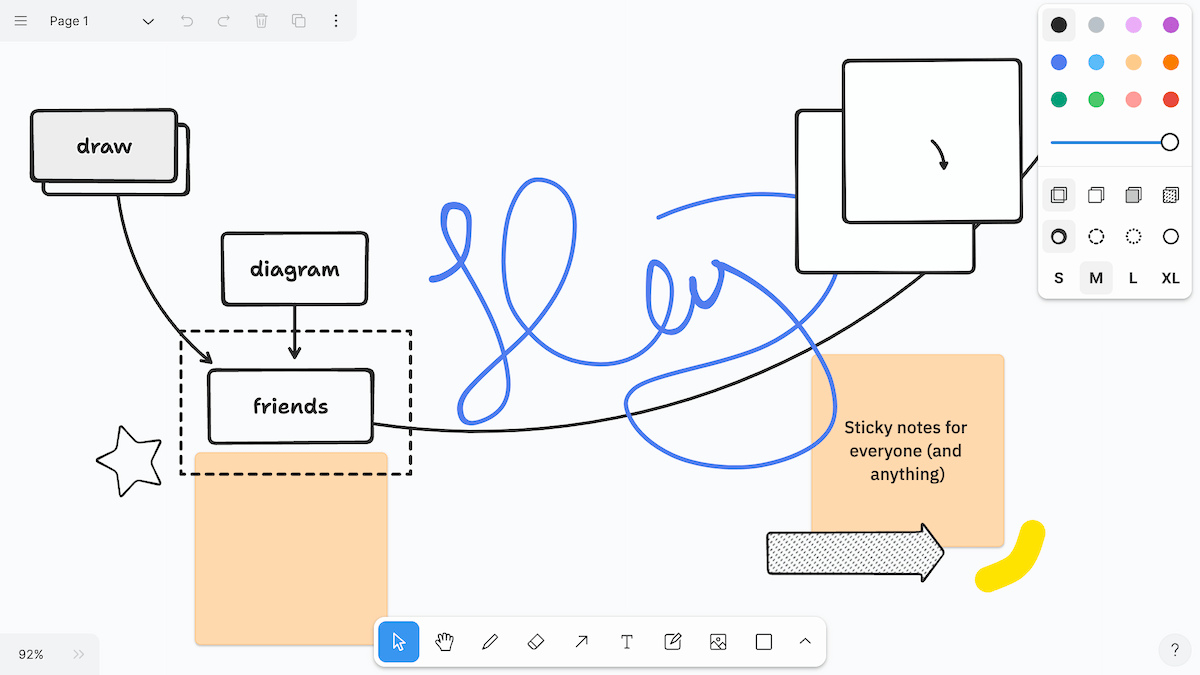
tldraw is a free, collaborative whiteboard for brainstorming, diagrams, and product design. It works instantly in the browser and can be embedded into apps with its SDK. Simple, flexible, and fun—tldraw makes visual collaboration effortless
lnav

lnav is a smarter way to view and analyze logs in your terminal. It merges multiple logs, highlights errors, and lets you search or query instantly. With built-in support for formats like JSON and syslog, lnav turns raw logs into insight
sloth
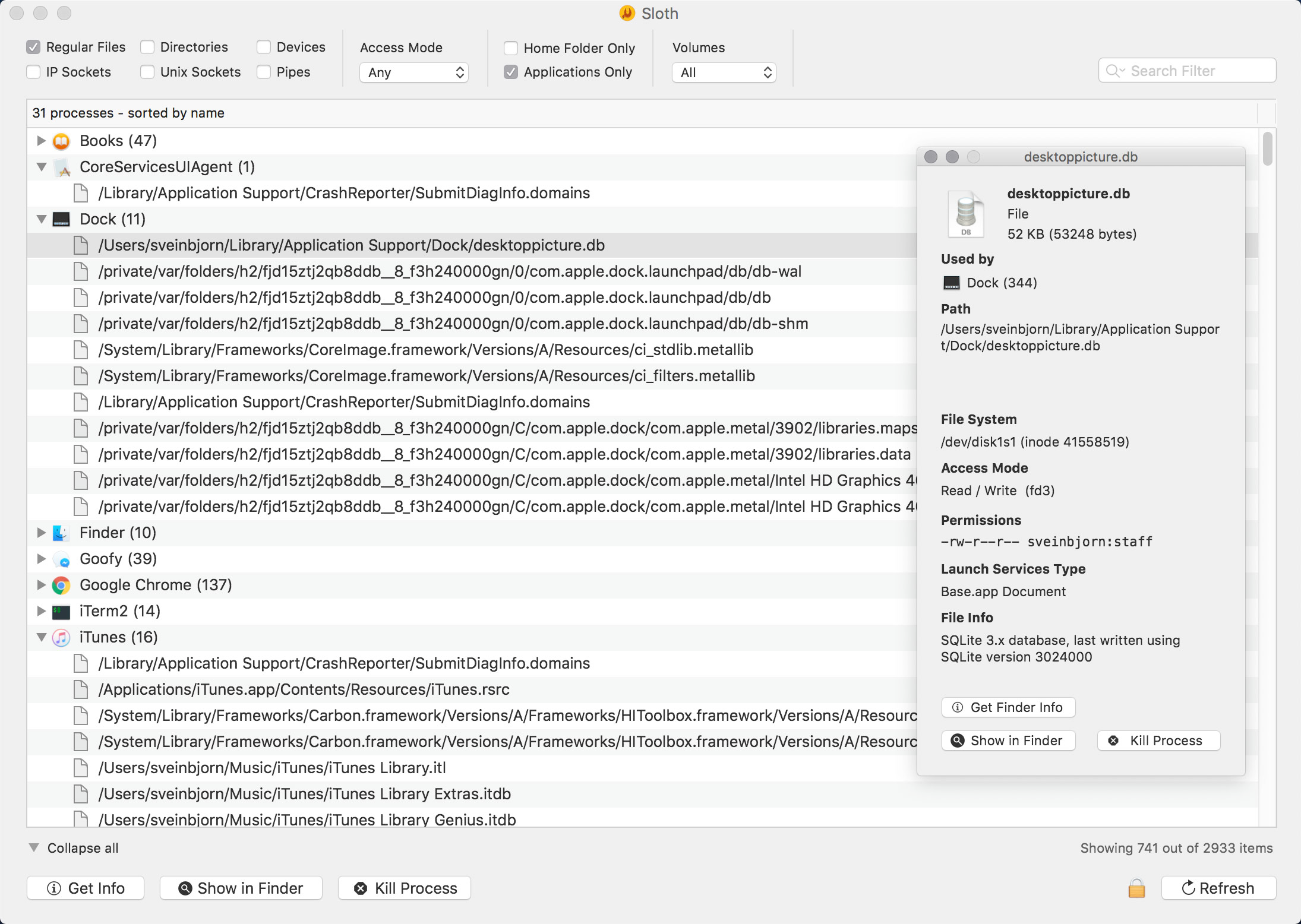
Sloth shows you exactly which files, sockets, and resources your macOS apps are using. With a clear, filterable interface, it makes debugging and monitoring effortless. Whether you’re checking file locks or network activity, Sloth gives you visibility in seconds
DB Browser for SQLite
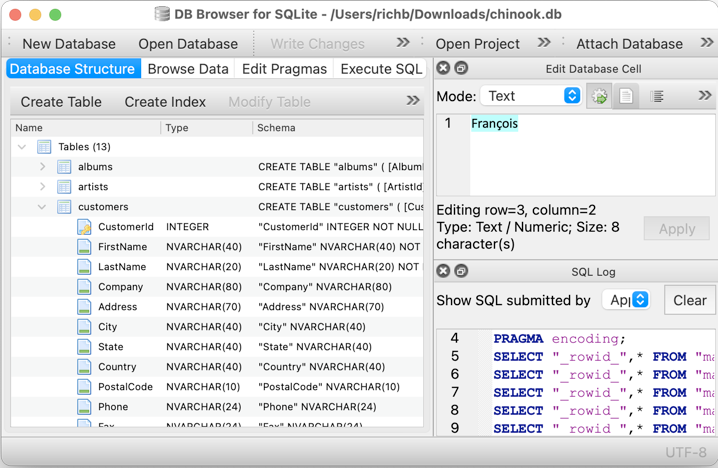
DB Browser for SQLite (DB4S) is the easiest way to create, explore, and edit SQLite databases. Its clean, spreadsheet-style interface works without requiring SQL knowledge. Perfect for developers, analysts, and educators, DB Browser for SQLite makes databases approachable
bat
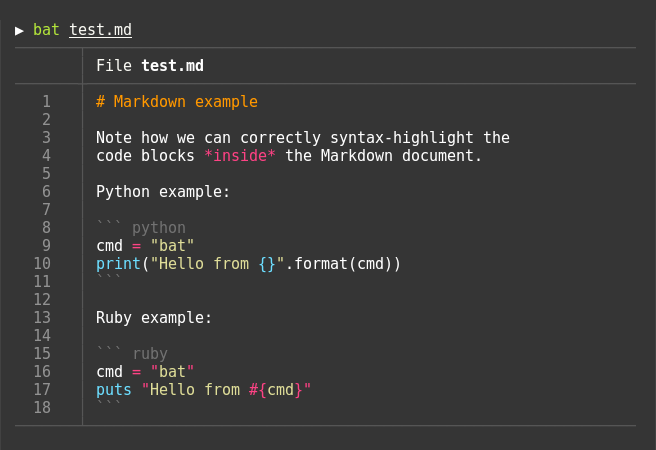
Bat is a modern replacement for cat with syntax highlighting, Git integration, and paging. It makes reading code, configs, and logs in the terminal much easier on the eyes. With smart defaults and powerful features, Bat is a must-have for anyone who spends time in the shell
htop
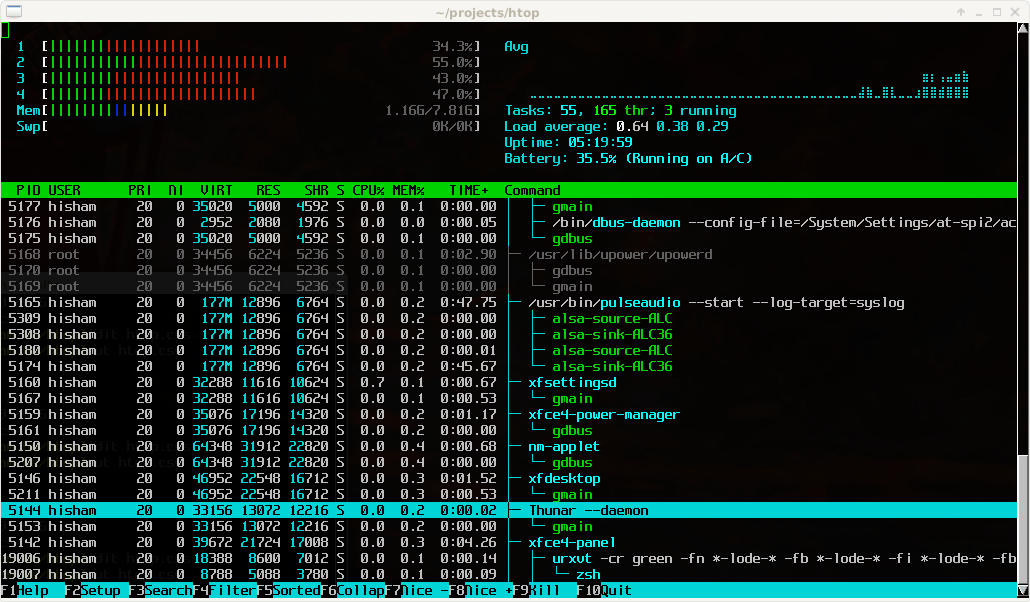
htop is an interactive process viewer and system monitor. Unlike top, it provides scrolling, filtering, and color-coded stats for CPU, memory, and processes. Easy to navigate and packed with detail, htop is a go-to tool for system monitoring
btop
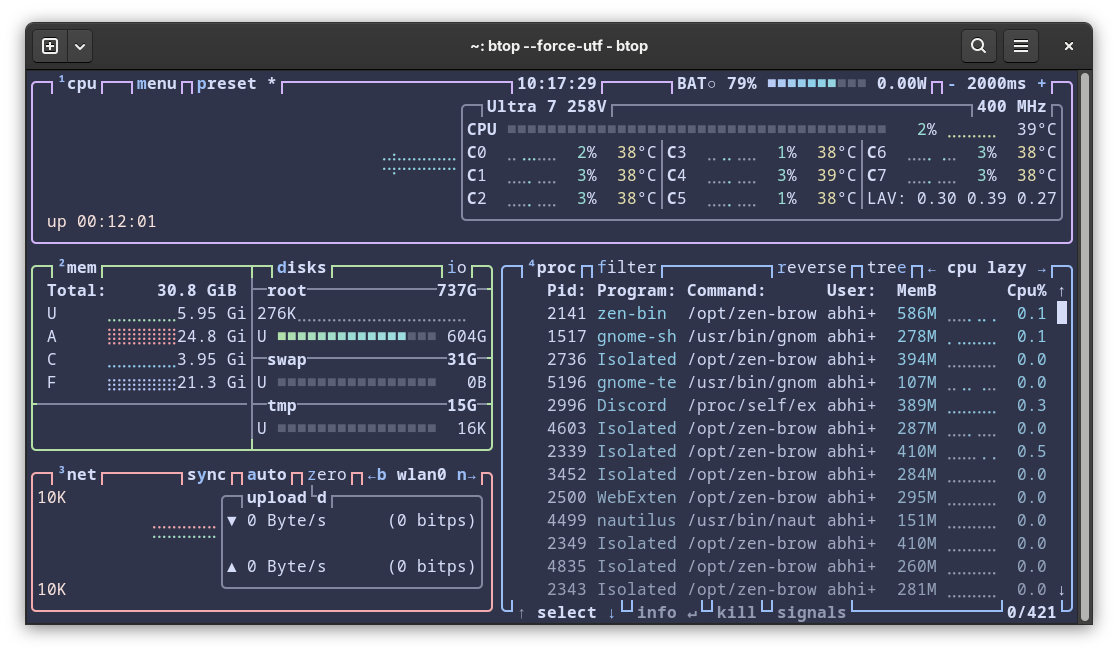
btop is a modern resource monitor and an advanced alternative to htop. It features a beautiful terminal UI with graphs for CPU, memory, disk, and network usage. With mouse support, customizable themes, and intuitive keybindings, btop makes system monitoring both powerful and enjoyable. Fast, interactive, and visually rich, it’s the perfect tool for developers and sysadmins who want deeper insight into system performance
fzf
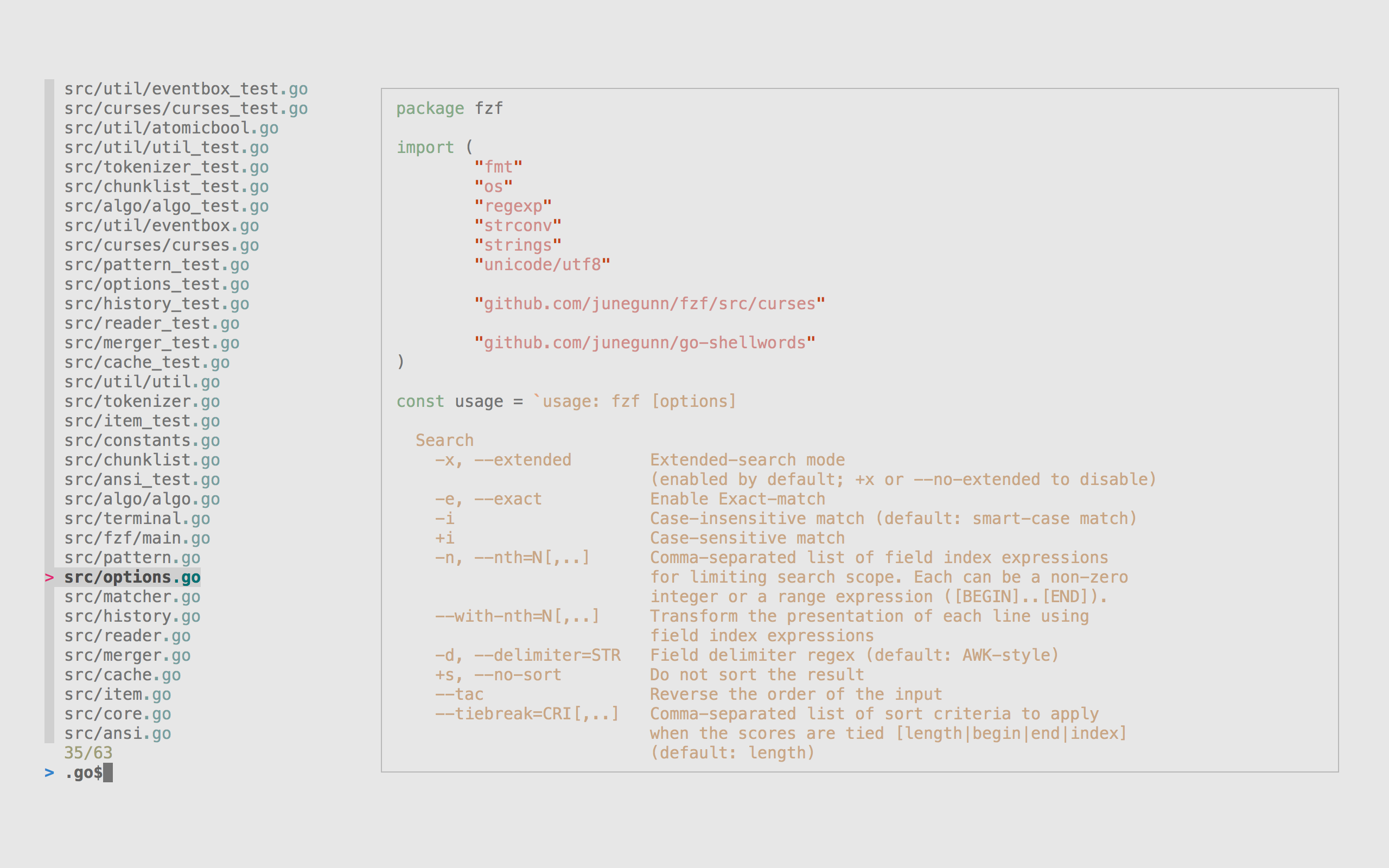
fzf is a command-line fuzzy finder that makes searching effortless. Use it to quickly find files, commands, processes, or Git history with minimal typing. Lightweight and incredibly flexible, fzf is the perfect companion to almost any terminal workflow
obsidian
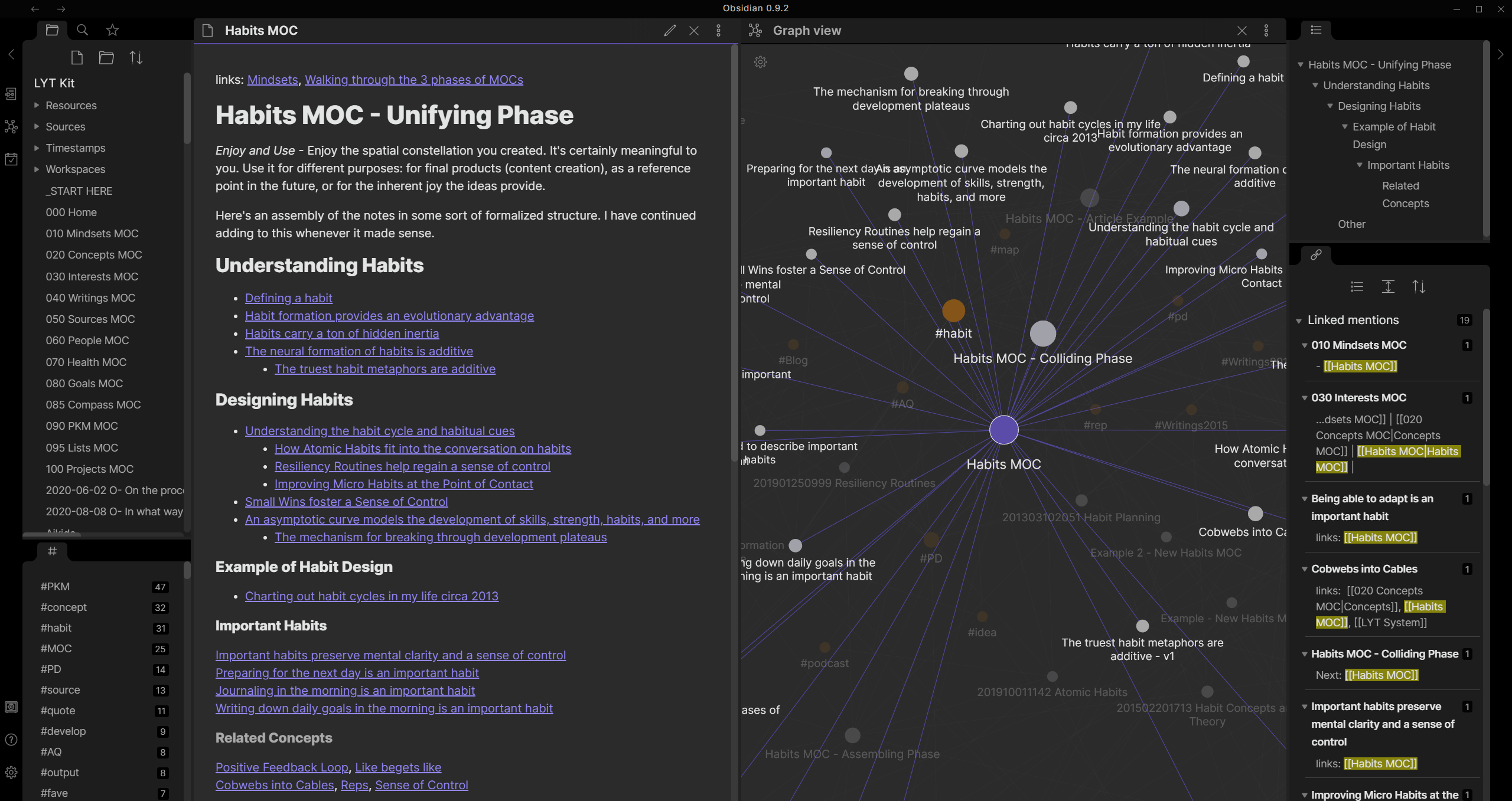
Obsidian is a knowledge management app built on Markdown. It helps developers and teams organize notes, documentation, and ideas into a connected “second brain.” With plugins, themes, and graph view, Obsidian is perfect for personal productivity and team knowledge bases
ripgrep
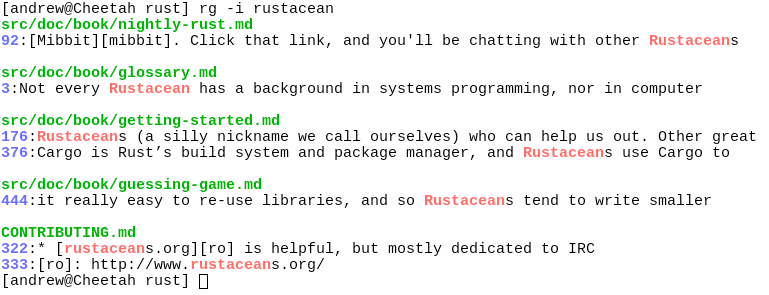
ripgrep (rg) is a blazing-fast search tool for your code and text files. It respects .gitignore by default, making searches smarter and more focused. For developers handling large projects, ripgrep is the ultimate upgrade to traditional grep